How It Works
Simple. Flexible.
Built for Student Life.
Getting started with OCMP takes just a few minutes — and using it is even easier.
Get StartedStep 01
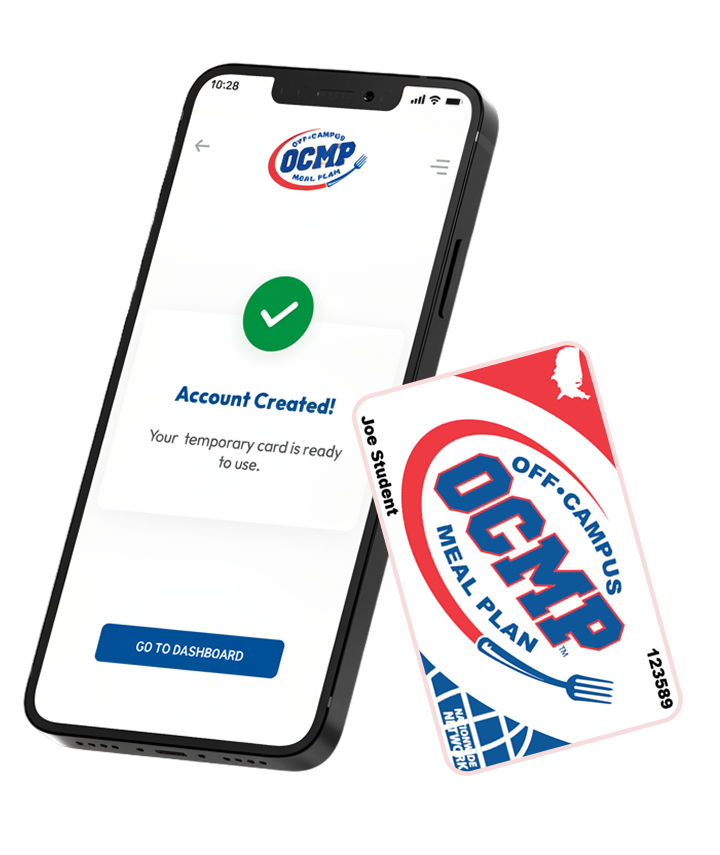
Register & Create Account
Create your student profile and get started in minutes.

Instant signup
Temporary card available immediately
Ready to use within minutes
Step 02
Choose Your Plan
Pick the meal plan that fits your appetite and lifestyle.

Plans range from a few meals a week to 3 meals a day

Start with the plan that’s right for you

Add meals anytime if your needs change

Need something different?
Use our Meal Plan Calculator to create a custom meal plan tailored to your appetite, schedule, and budget.
Step 03
Download the OCMP Student App
iOS and Android

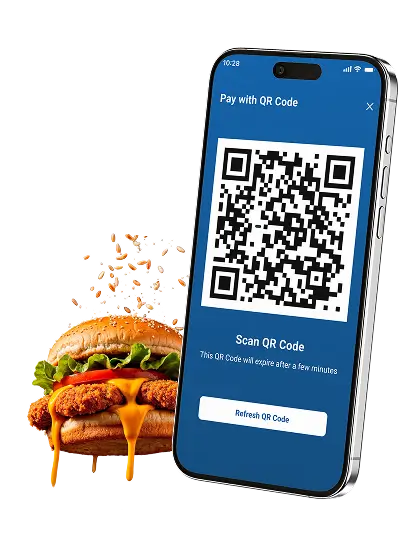
Pay by phone

Track balance and transactions

View participating restaurants

View exclusive discounts & deals
Step 04
Eat Where You Want
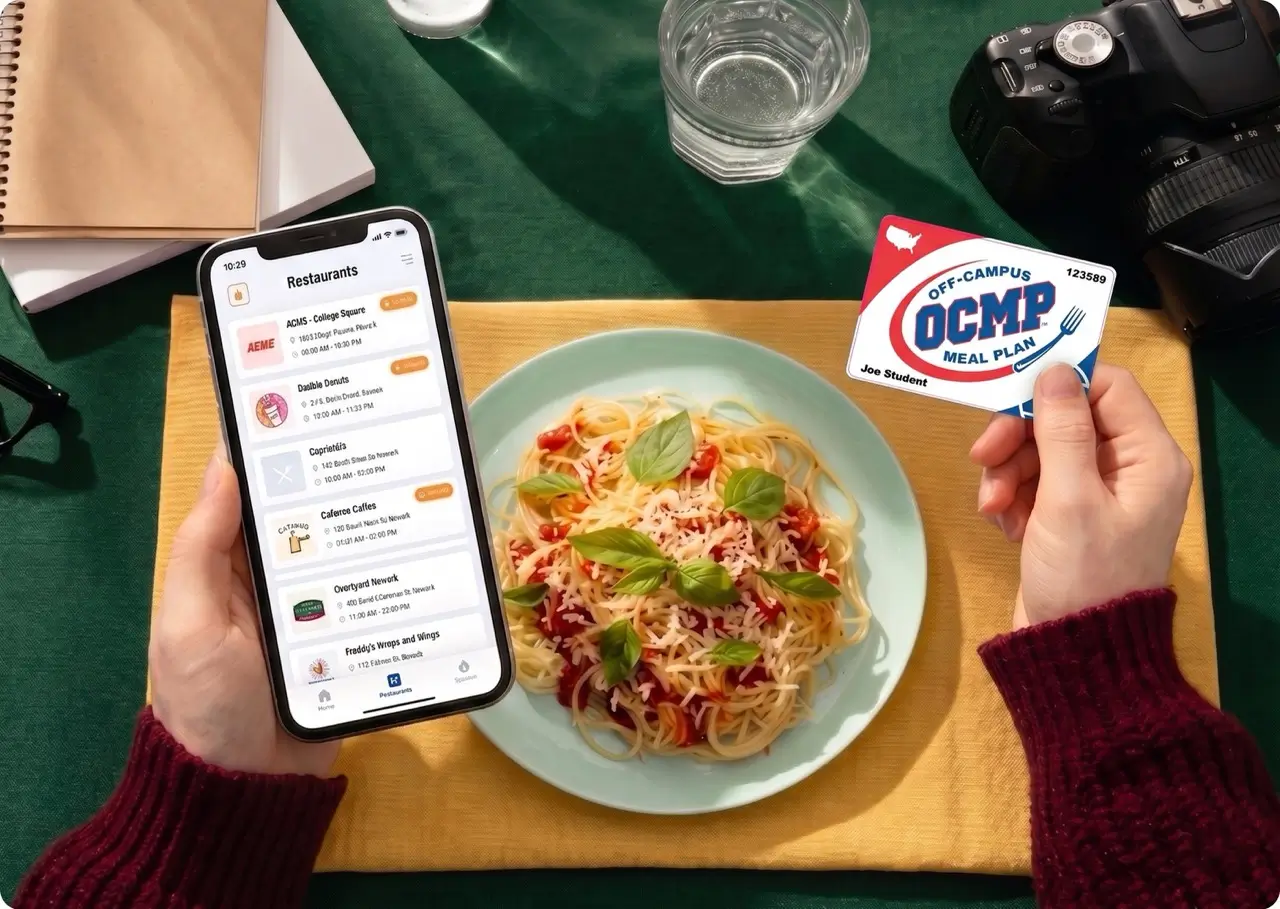
Use your OCMP card or mobile app at hundreds of locations for:

Dine-In

Groceries

Pickup

Delivery
Just tap, insert, or scan the QR code.
Meal Plans
How Students Use OCMP
Breakfast and coffee before class
Fuel up before class.
Lunch between classes
Eat well. Take a break.
Dinner with friends
Make every meal count.
Groceries for home
Stock up for your apartment.
Late-night delivery
We've got you covered.
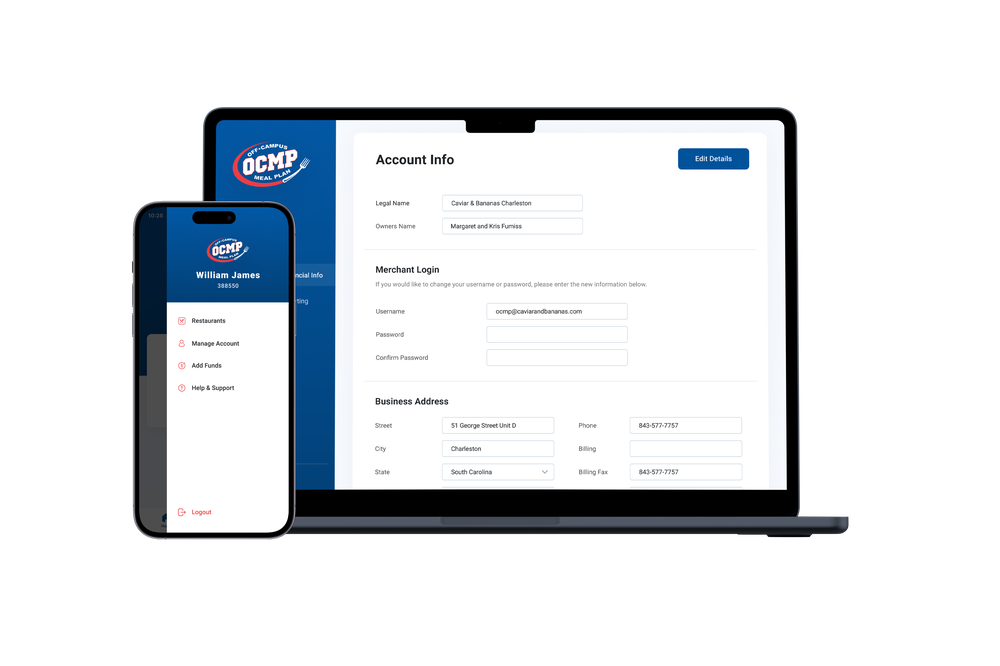
Account Management
Manage Your OCMP Account
Manage your account anytime, anywhere

Track Balance

Low Balance Alerts

Transaction History

Report Lost or Stolen Cards
Mobile App
Student Portal & App

Track Balances in Real Time

View Transaction History

Reload Meals Instantly

Low balance alerts

Report Lost or Stolen Cards

Auto reload Options

Auto Renew Semester Plans

Temporary Cards Available
Works With

Order pickup or delivery from any of the hundreds of restaurants that Grubhub offers.

Free Grubhub+ Student membership
$0 delivery fees on eligible orders through graduation.
Pay with your OCMP balance directly in the app
Got any Questions?
Visit our FAQs or contact our support team. We're here to help!